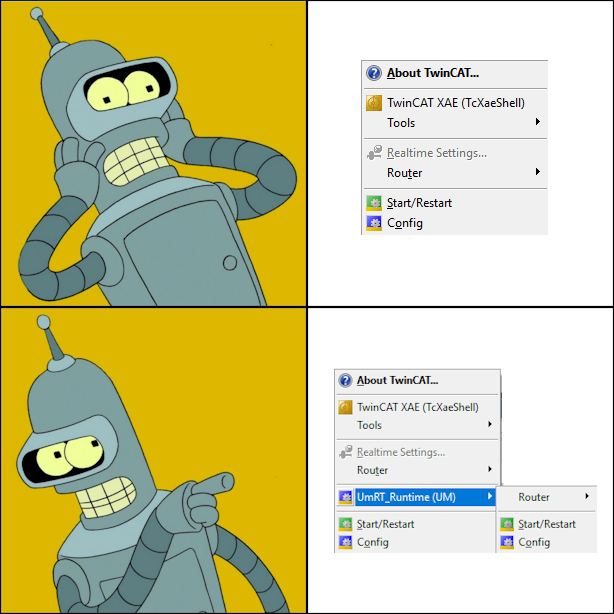
Running TwinCAT 3 (4026) project locally on usermode runtime
NOTE: This post is about TwinCAT build 4026 installed using the TwinCAT Package Manger. If you want to use usermode runtime on 4024, see my older blog post: Running TwinCAT 3 projects locally with Usermode Runtime.
I finally installed the latest build 4026 on my PC, which wasn’t too easy (see TwinCAT Package Manager issue with IFM ecologOne).
The next step was to get usermode runtime running, as in my opinion it’s the best way to run the TwinCAT project on development PC (and the only way on some PCs).
Installation
The Usermode Runtime can be installed using the package manager. Search for Usermode to install.
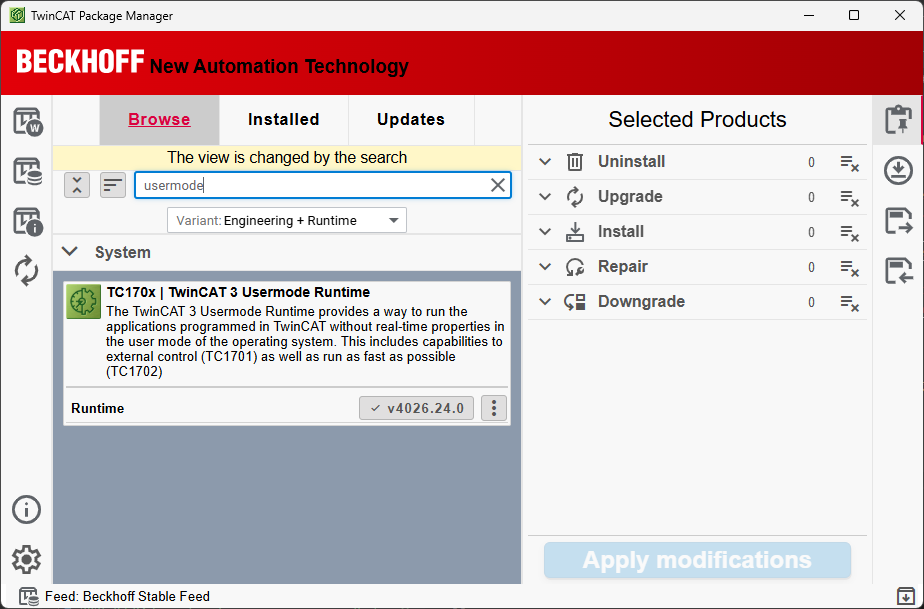
The installation instructions are quite short (see Infosys).
Starting the runtime
After installing the Usermode runtime and rebooting the PC just in case, I thought I would just start it from the tray icon. The Beckhoff guide Starting the TwinCAT 3 Usermode Runtime tells me just to start it! This is a nice improvement over 4024.
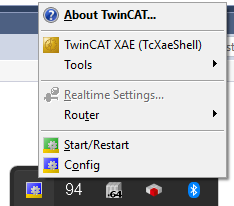
But when I open the tray menu, there is no sign of UM…
The Beckhoff instructions (see Infosys) note that the runtime is located under ProgramData (4024 had it under C:\TwinCAT\..)
When checking C:\ProgramData\Beckhoff\TwinCAT\3.1\Runtimes I have the UmRT_Default there.
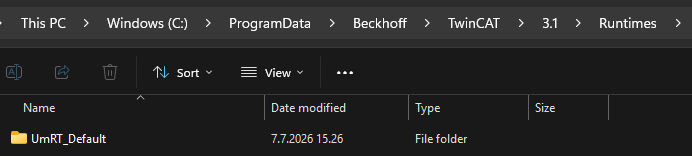
If I run the UmRT_Default/Start.bat it starts and appears in the tray menu. However after reboot it disappeared again.
Also changing the AmsNetId isn’t working.
Fix
The Beckhoff instructions (see Infosys) note that the runtime can be multiplied by copying the template.
I copy-pasted the UmRT_Default and named it UmRT_Runtime. Now after restarting the PC, It’s finally available under the system tray! So for some reason - the UmRT_Default isn’t visible there.
Now I can start the UM without using manually the Start.bat and things are rolling!